Response & queue
See response timings, eligible SLA results and conversation ownership from the available source records.

See delivery without chasing updates. The client, delivery manager and agent workspaces connect the service to the people and records behind it.
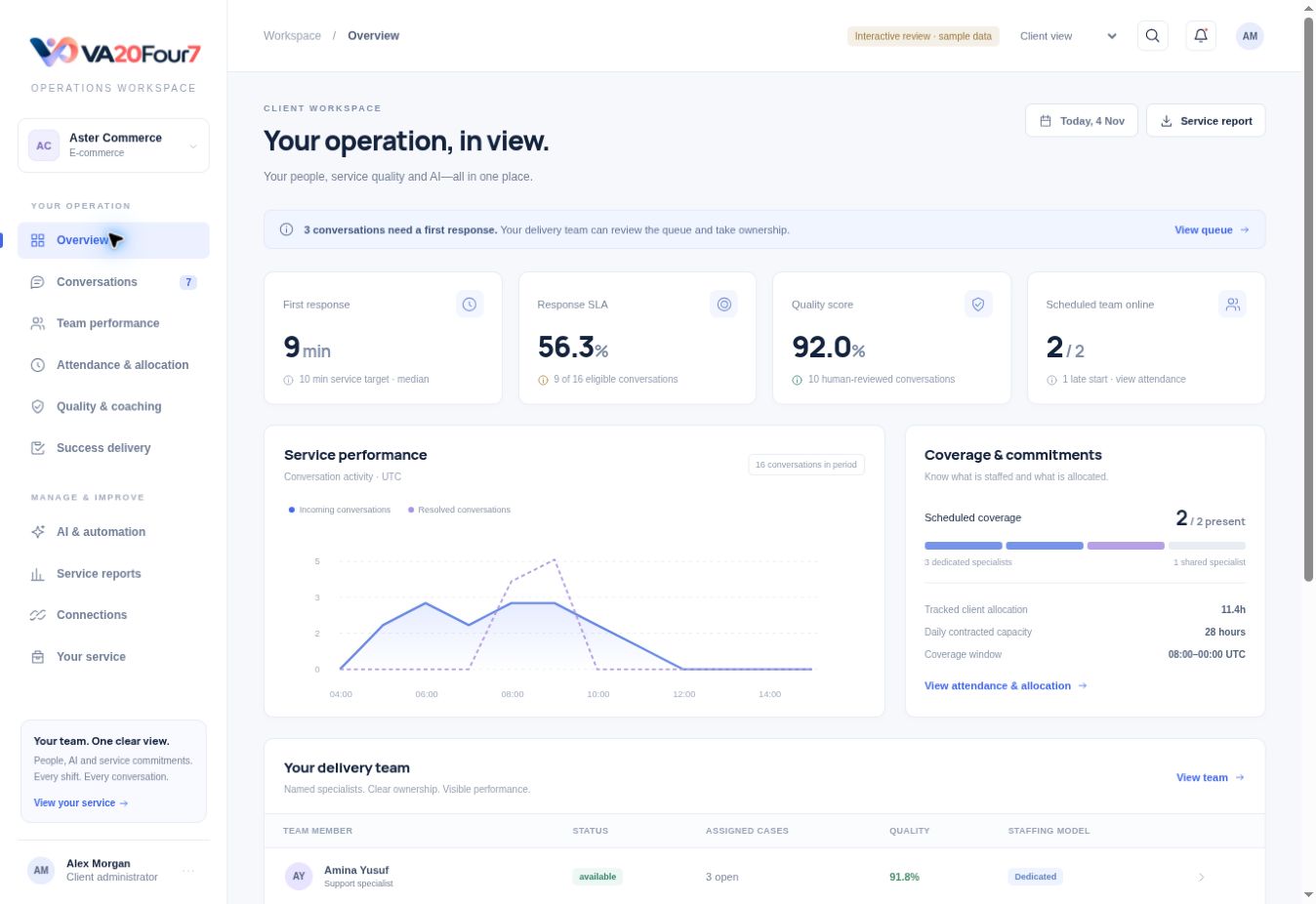
Your client workspace brings the records behind the service together. See who is scheduled, what was recorded and where your delivery manager needs to act.
Actual interface · sample records · role-based access
Each measure connects to a specific part of service delivery.
See response timings, eligible SLA results and conversation ownership from the available source records.
Inspect rubric scores and written evidence linked to the reviewed conversation.
Compare the published shift, recorded attendance, breaks and explicitly tracked client work.
Coverage stays flagged until an available specialist is assigned to the affected shift.
Follow owners, due dates, overdue activities and documented completion.
Review published answers, handling rules and recorded human handoffs.
Clients see service coverage and delivery. Agents access their own workforce records and assigned work. Managers coordinate staffing and approvals. Private leave reasons and decision notes stay outside the client view.
Clear expectations make a better service.
The operations workspace supports the managed service. It brings delivery, workforce and quality records together. For connected helpdesks, the source helpdesk remains where agents reply and resolve imported conversations.
No. Clock records show attendance; client allocations show explicitly tracked client work. Neither alone proves exclusive productive work. The platform does not monitor screens or keystrokes.
No. The client view shows the staffing impact and named replacement coverage. Private leave reasons and decision notes remain with the agent and management.
They show the actual review interface with synthetic records. Your live service depends on the agreed onboarding, deployment and validated source connections.
Tell us what you want to hand over. We’ll work through the team, coverage, handoffs and reporting with you.
Share the essentials. We can work through the details together.
Prefer email? contact@va20four7.com